Give your ideas an image.
Create images from a prompt or work with your own references. Open Kavr Studio to start creating.
Your prompt opens in Studio. Nothing is generated until you press Generate there.
Made with Kavr.
Real images created in Kavr Studio. Open any prompt and make it your own.
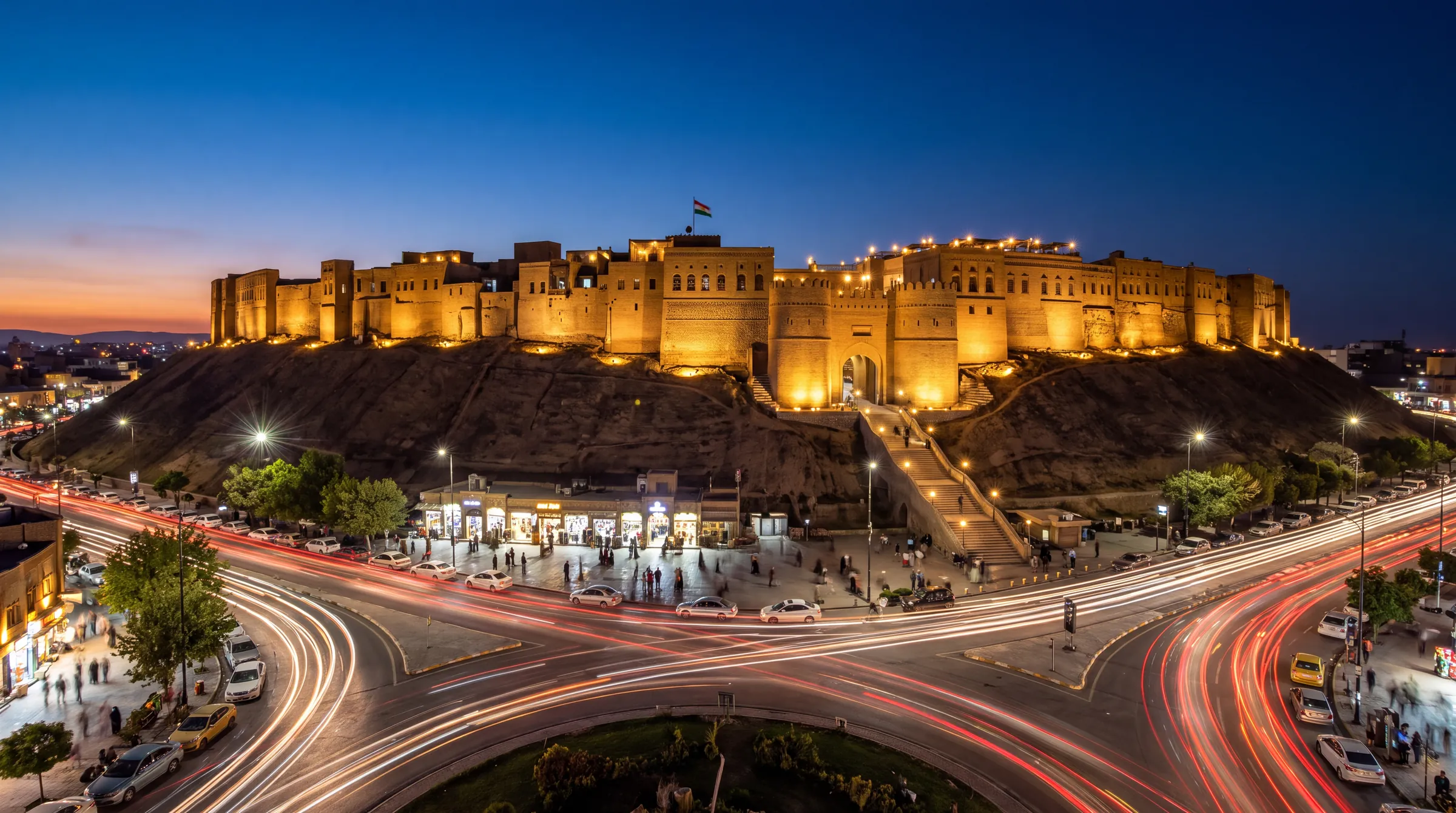
Nano Banana 2.1 · 4KErbil Citadel at blue hour, warm lights along the ancient walls, long-exposure light trails in the foreground, architectural night photography 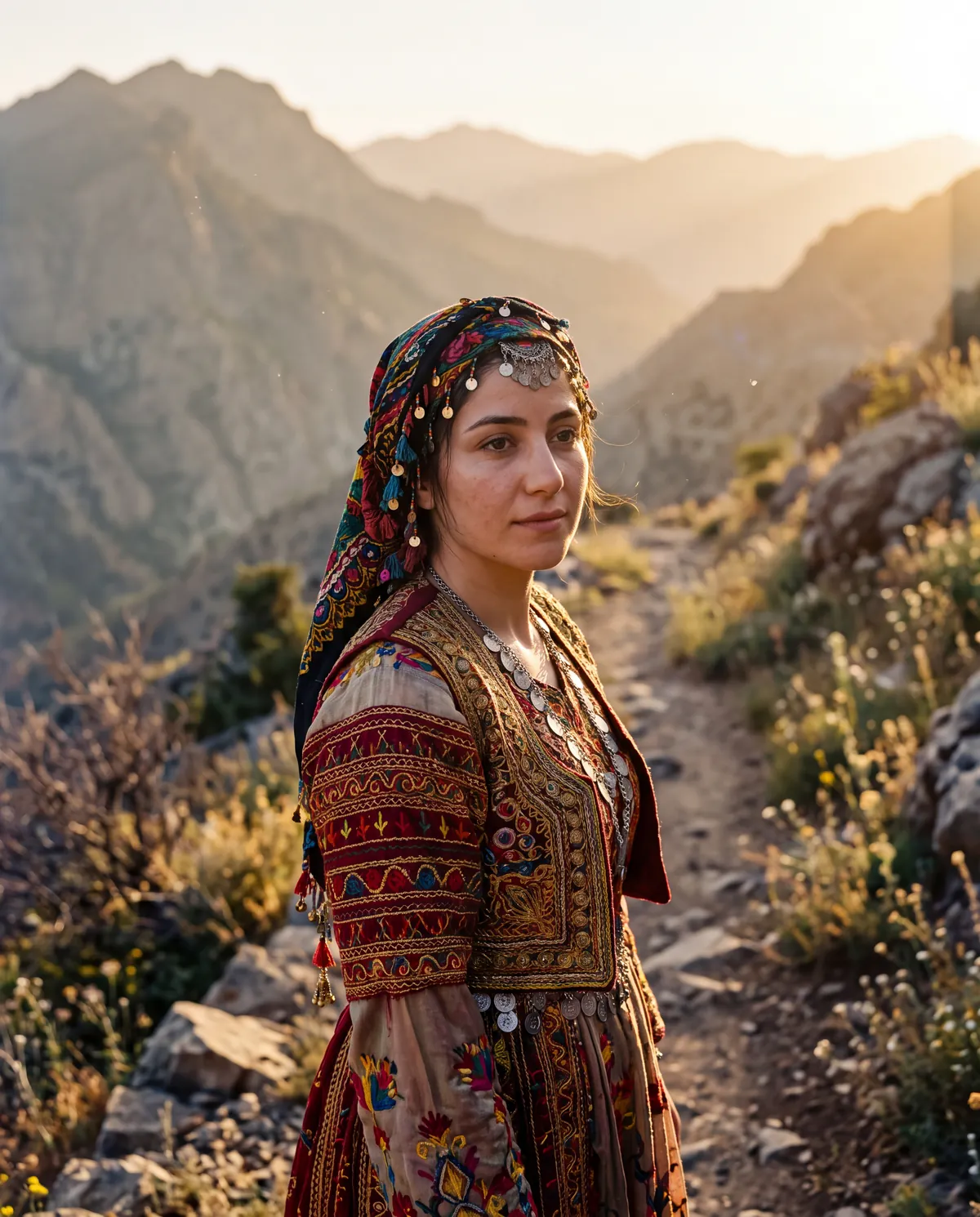
Nano Banana 2.1 · 4KCinematic portrait of a Kurdish woman in a traditional embroidered dress on a mountain path at golden hour, 85mm, shallow depth of field, natural skin texture, subtle film grain 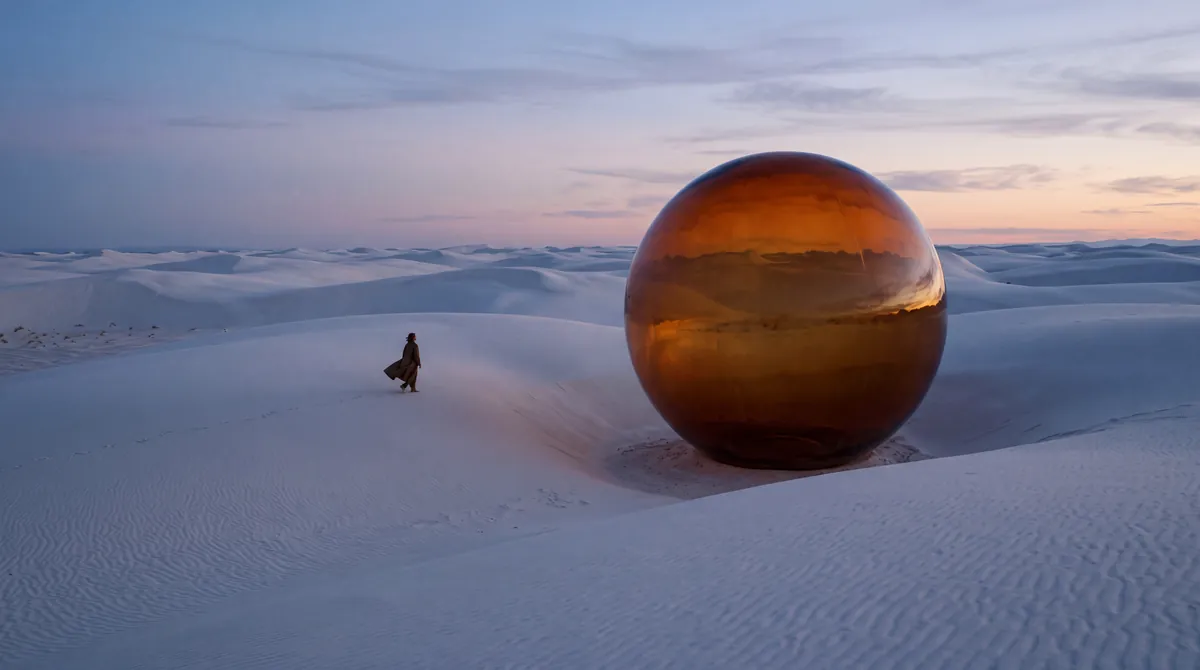
Nano Banana 2.1 · 4KA giant amber glass sphere resting among white sand dunes, a tiny figure walking toward it, soft dusk light, high-end campaign photography 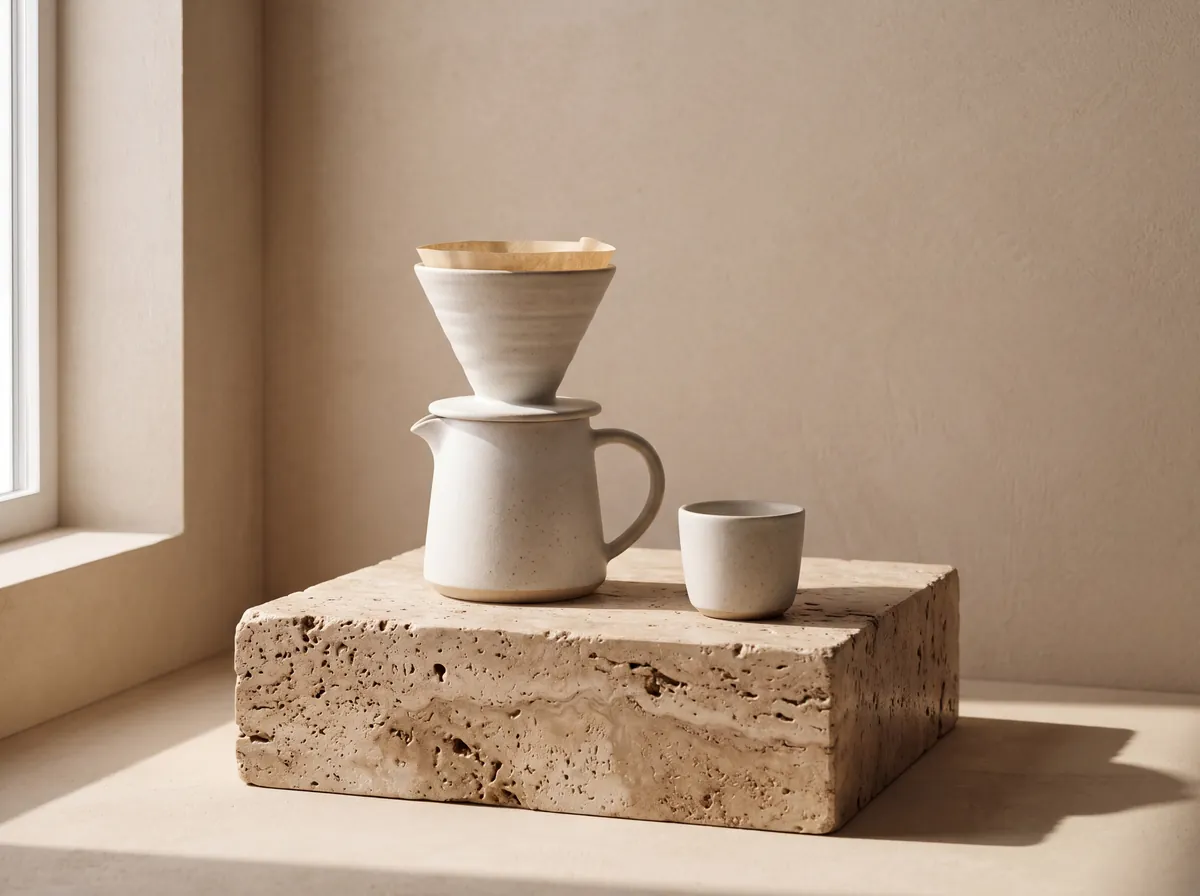
Nano Banana 2.1 · 4KCeramic pour-over coffee set on a travertine pedestal, soft window light from the left, warm beige backdrop, minimal product photography, crisp shadows, no text 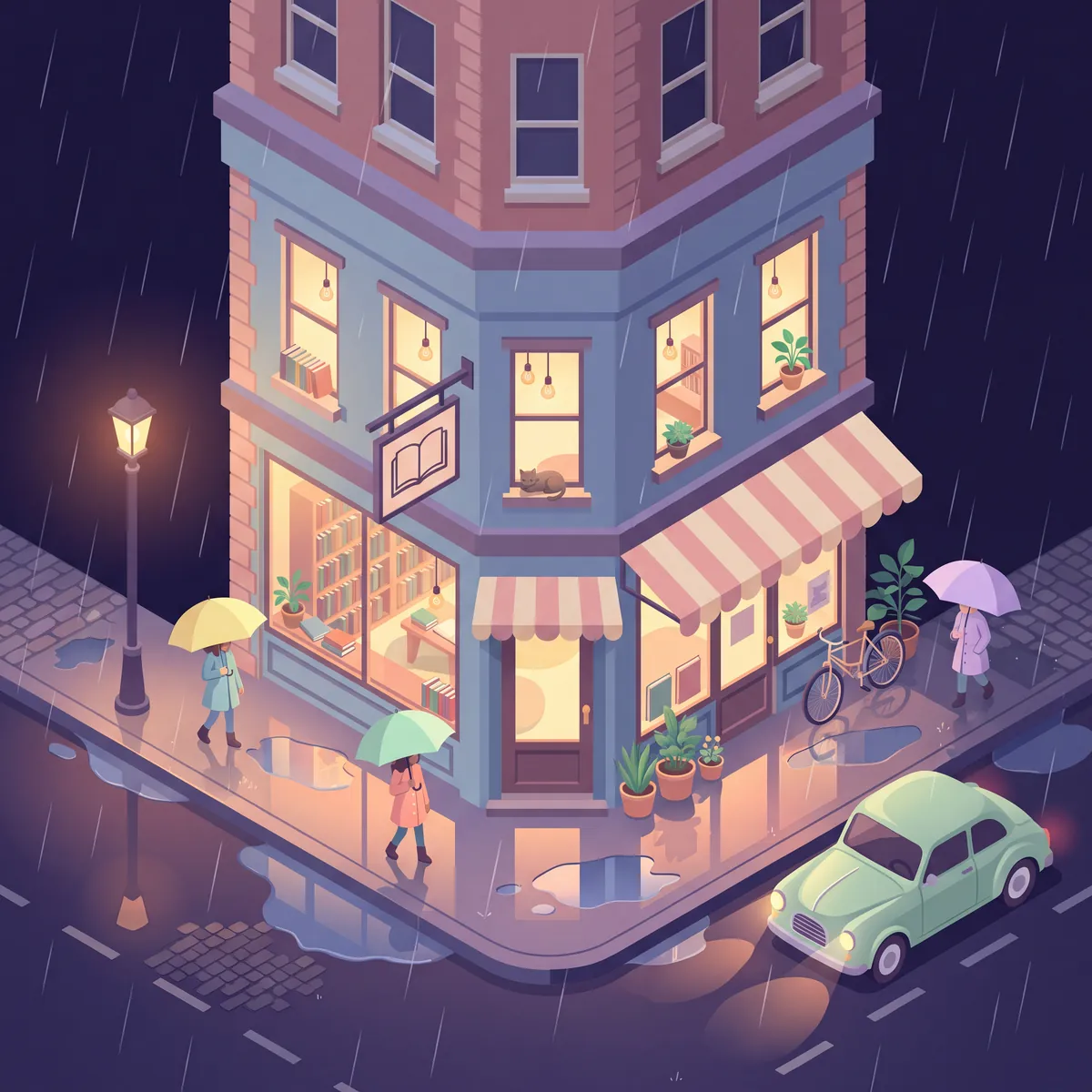
Nano Banana 2.1 · 4KIsometric illustration of a cozy bookshop on a rainy street at night, warm window light, pastel palette, clean vector shading, no text 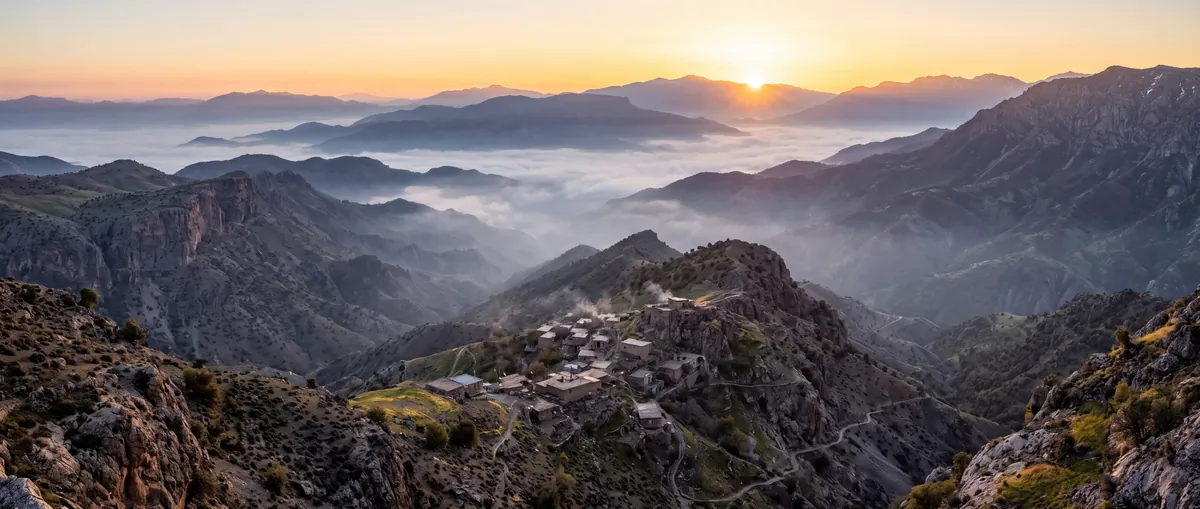
Nano Banana 2.1 · 4KLayered mountain ranges of Kurdistan at sunrise, mist filling the valleys, a small stone village on a ridge, ultra-wide landscape photography 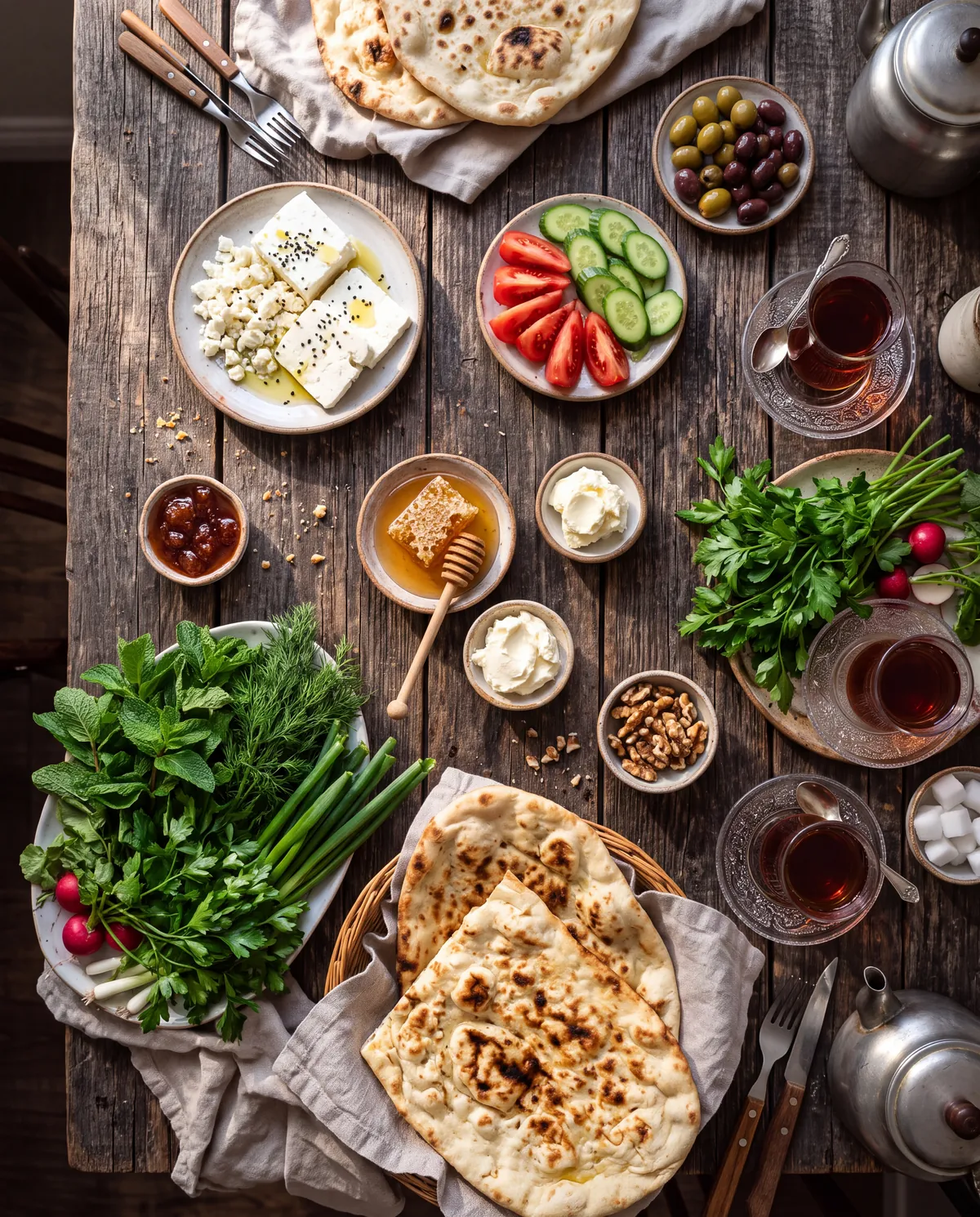
Nano Banana 2.1 · 4KOverhead shot of a Kurdish breakfast: fresh naan, honey, white cheese, herbs, tea in tulip glasses on a rustic wooden table, morning light, food photography 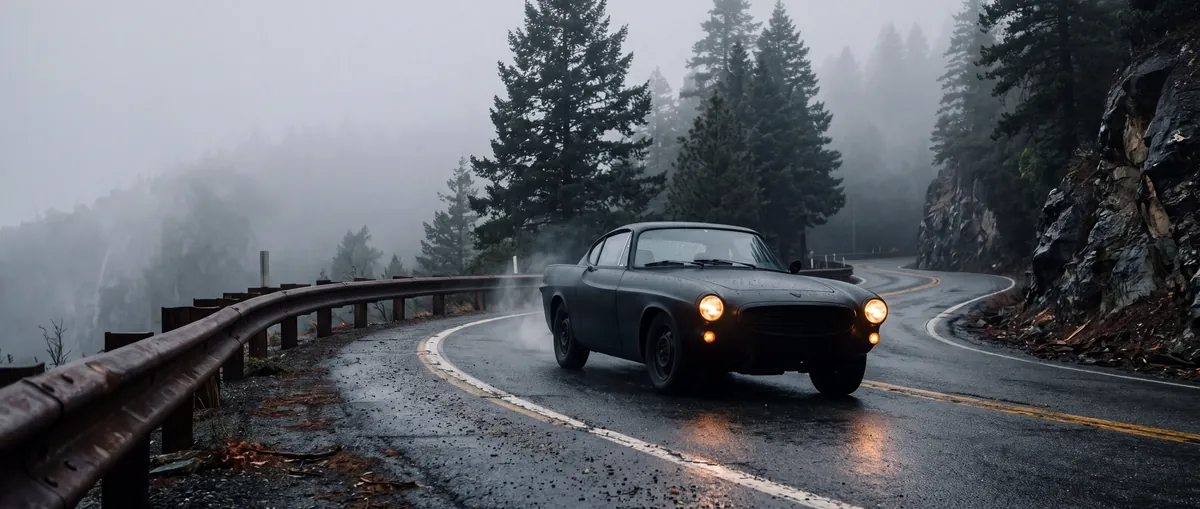
Nano Banana 2.1 · 4KMatte black vintage car on a wet mountain road in fog, headlights glowing amber, cinematic wide shot 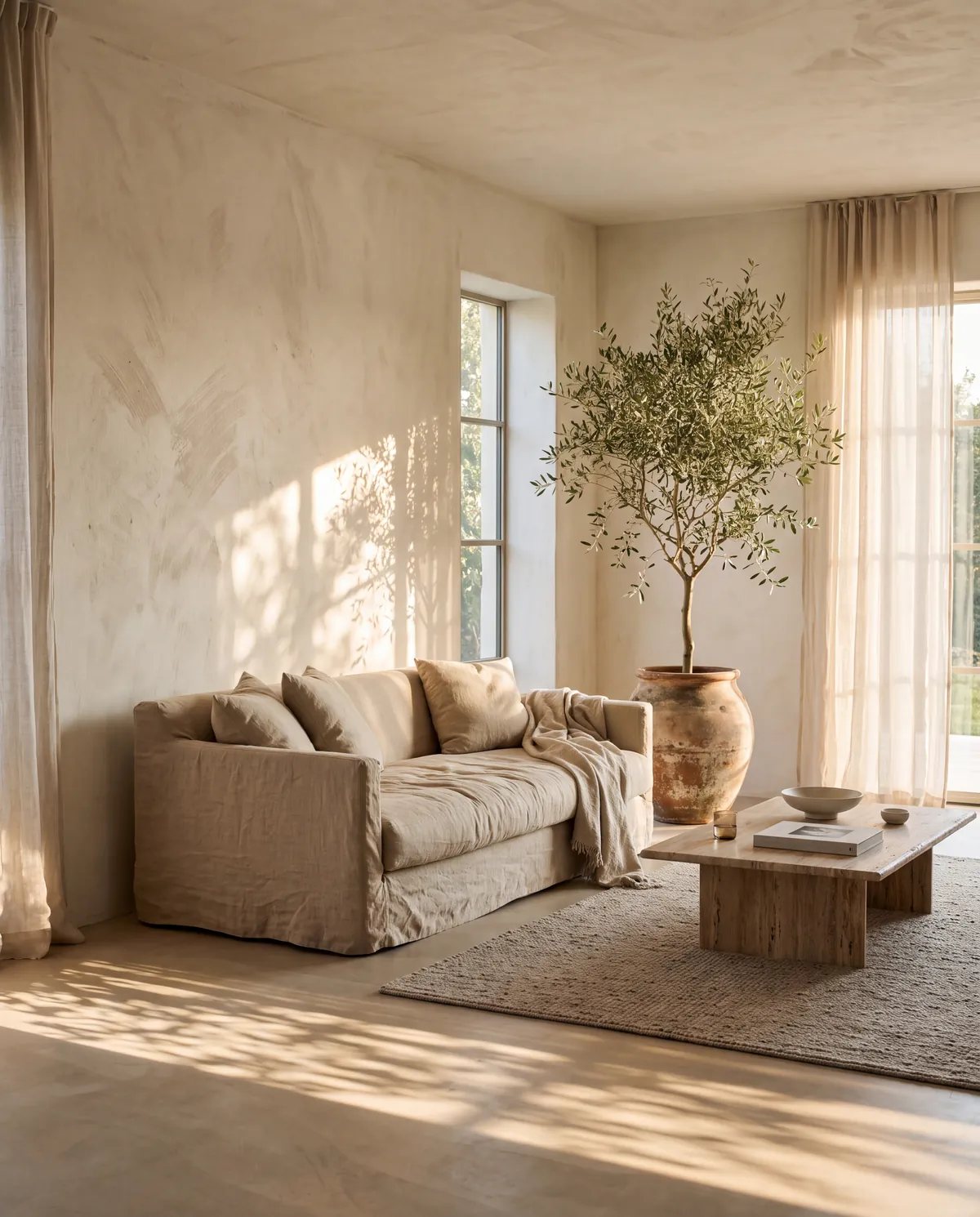
Nano Banana 2.1 · 4KMinimal living room with lime-washed walls, low linen sofa, olive tree in a terracotta pot, late-afternoon sun patterns on the floor, editorial interior photography 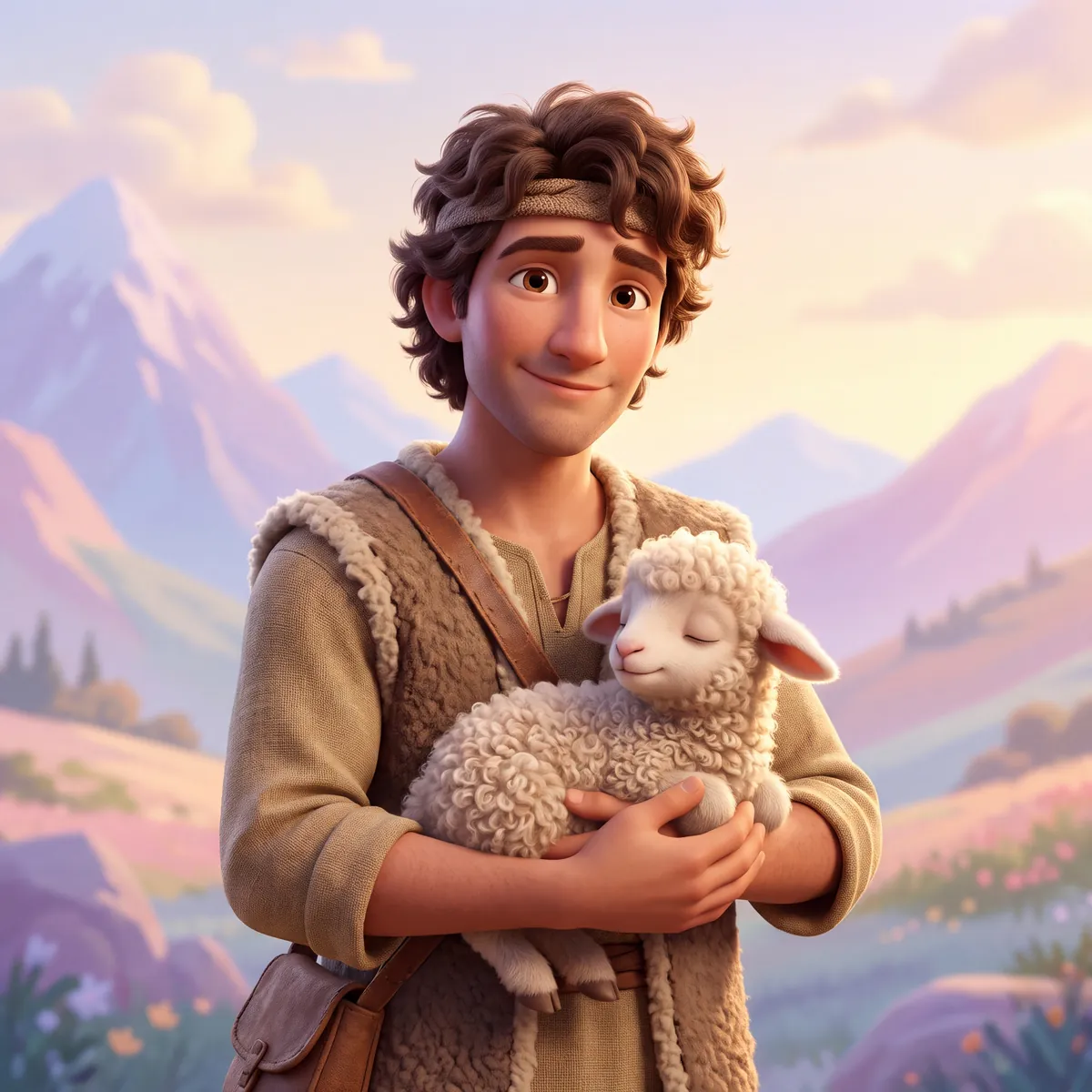
Nano Banana 2.1 · 4K3D character render of a friendly young shepherd holding a lamb, soft studio lighting, pastel mountain backdrop, stylized animation look 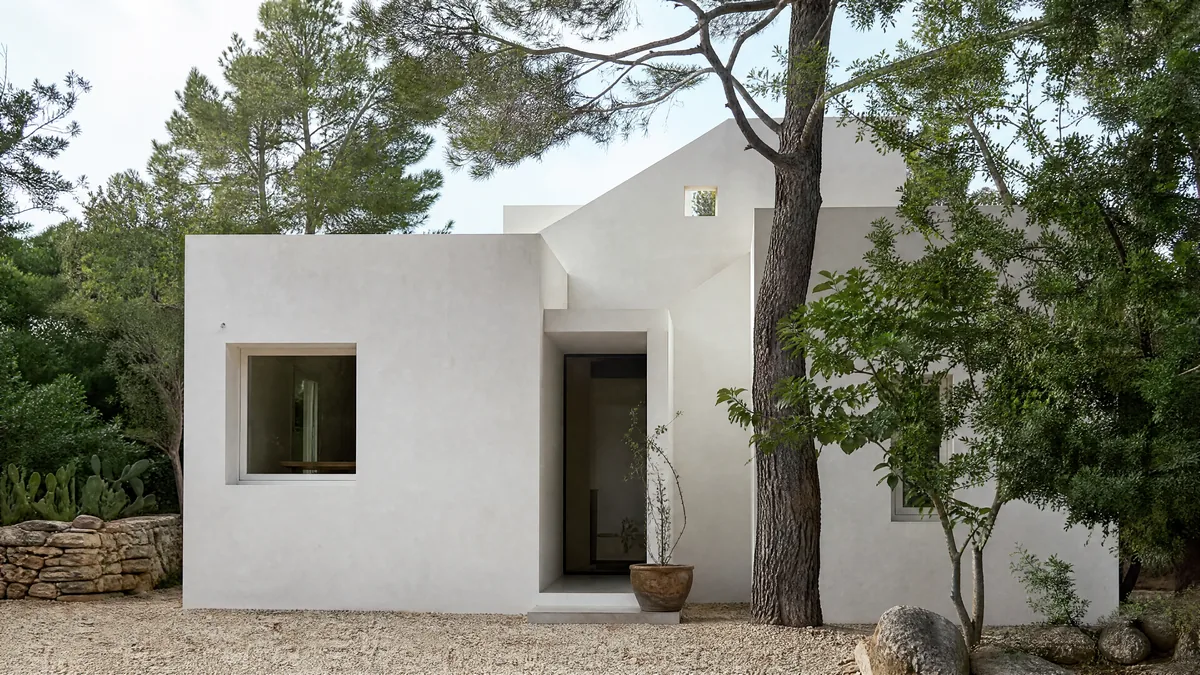
GPT Image 2 · 4KArchitectural photograph of a small white geometric house in a quiet garden, natural daylight, no text.
Start from an idea.
Pick a starting prompt and open it in Studio. Change anything you like before you generate.
Three steps to your first image.
No account to create and no subscription. Use credits only when you generate.
- 01
Get a voucher key
Buy a credit package and receive your personal Kavr voucher key.
- 02
Describe or upload
Write a prompt or add reference images, then pick a model and resolution.
- 03
Generate and download
Kavr creates your image. Save it to your device to keep it.
Credits for your next creation.
The credit package and model prices below come directly from Kavr. Prices update when they are changed in the management bot.
Follow us on Instagram (opens in a new tab)Loading current prices…
Before you create.
A few small habits to keep your work safe.
- 01
Keep the tab open
Do not close the tab or browser, refresh the page, or leave Studio while an image is generating. Keep your internet connection active until it finishes.
- 02
Download your creations
Save every image you want to keep to your device. Your Studio library is convenient, but it is not a permanent backup.
- 03
Browser data matters
Clearing browser data removes images and settings saved in that browser and can sign you out. Download your images first.
- 04
Use the same browser
Locally saved images do not automatically follow you to another browser, device, or website address. Private browsing may remove them when the session closes.
- 05
Keep your voucher safe
Save your voucher key somewhere secure outside the browser. Anyone with your key may be able to use your credits and access your history.
- 06
Check before generating
Review the model, resolution, and credit cost in Studio. Upload only reference images you have permission to use, and avoid sensitive personal information.
The details, in plain language.
Understand how Kavr works, how to use it responsibly, and what happens to your information.

Ready to make something?
Have your Kavr voucher key ready when you enter Studio.
Studio